Knowledge sources are the organisation's records you may read: documents, policies, teams and the other records your sources synced, which answers draw on. They are read-only here: a record changes in the system it comes from, and the next sync brings the change. Gluon reads every record through your access, so the list, the count and the map never show you more than the source would. What Gluon kept from your own questions is in Your memory.
Open Knowledge sources
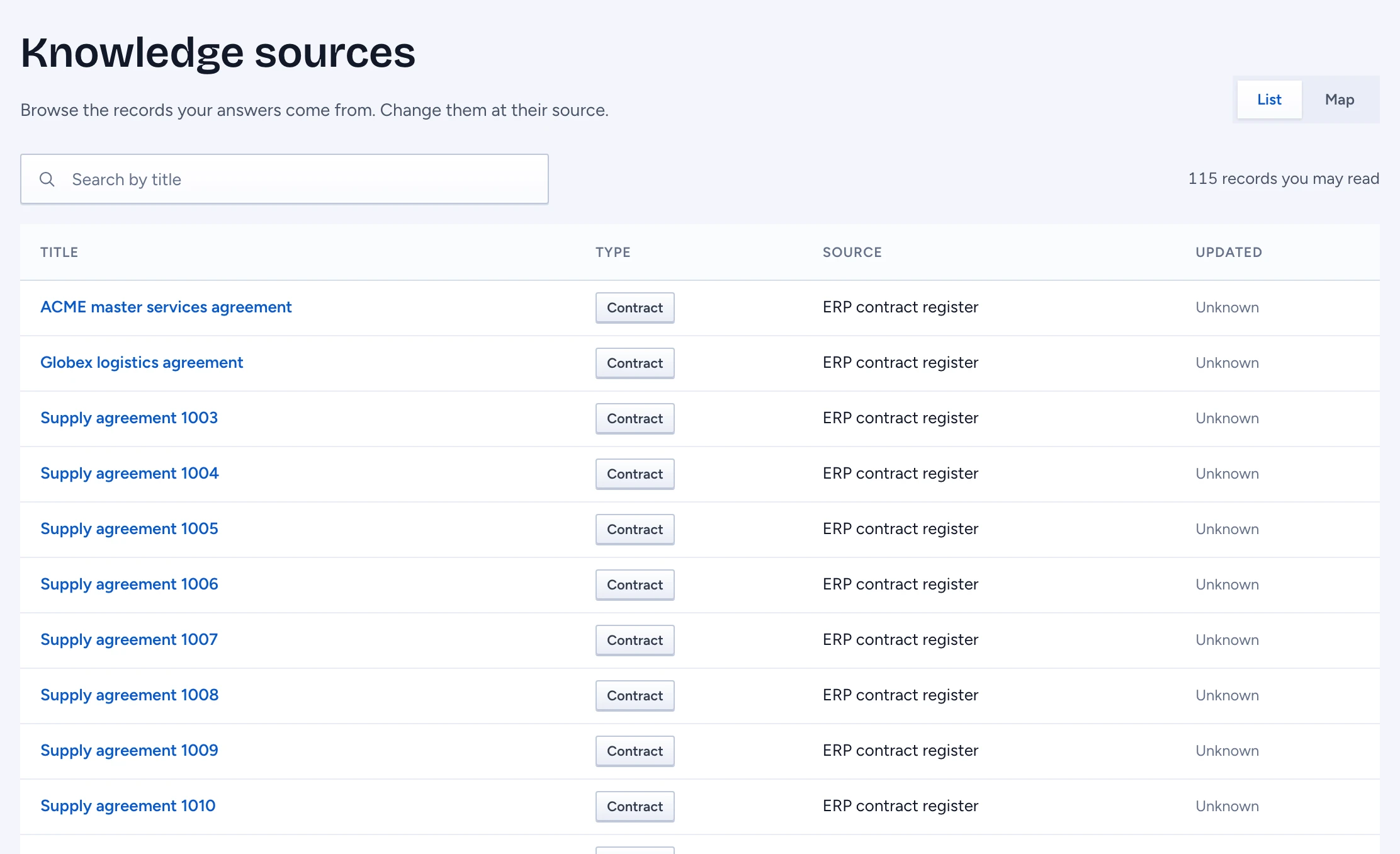
Click Knowledge sources at the bottom of the chat sidebar, under Your memory. The table lists each record you may read:
- Title: the record's name. Click it to open the record.
- Type: what the record is, for example Document, Policy or Team.
- Source: the system it comes from, by name. Demo data marks sample records that came with the workspace, not from a real system.
- Updated: when the source was last read for it. Unknown means Gluon does not know; it never guesses.
Beside the search, the count says how many records you may read. With many records it says About and a rounded number: Gluon estimates past the first thousand instead of counting each one, and never counts a record you may not read.
Find a record
Type in Search by title. The search runs on the server, over all the records you may read, not only the ones on the screen. Click Show more under the table to add the next records.
Open a record
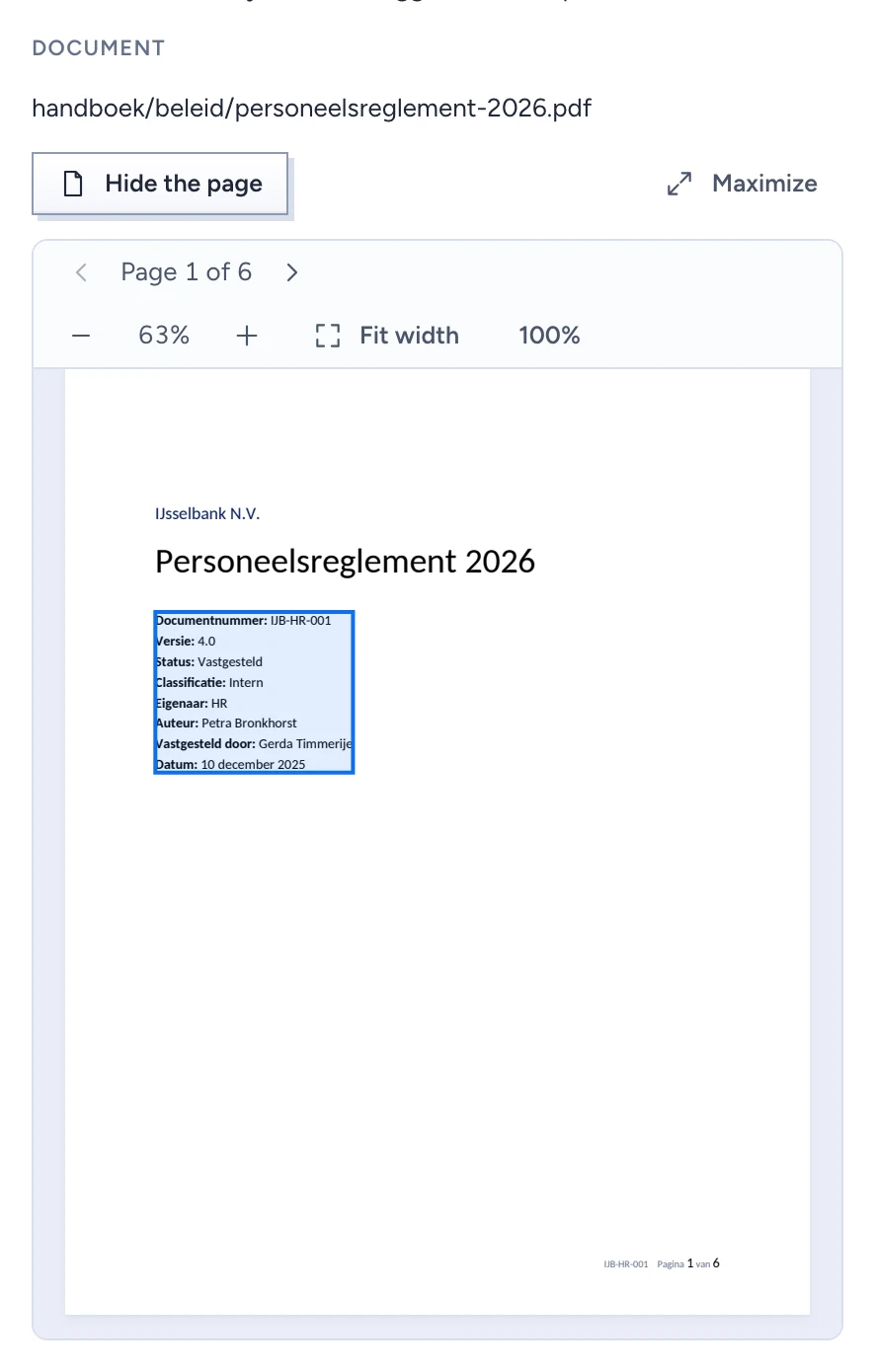
Click a title. The record opens on the right with its Source and type, when it was updated, and its text. A record that comes from a document shows the Passage it holds and the document's name. Click Open on page to see the page with the passage marked, and Maximize to see it large. When the document is one you may not read, it says The document is withheld and shows none of its text. Click Request access to ask the owners of that kind of document; they can share it with you at its source.
Technical details holds the record's id, its type, the source's id and when its access was last synced. You can neither edit nor forget a record here: the record says Only an admin can remove a synced record.
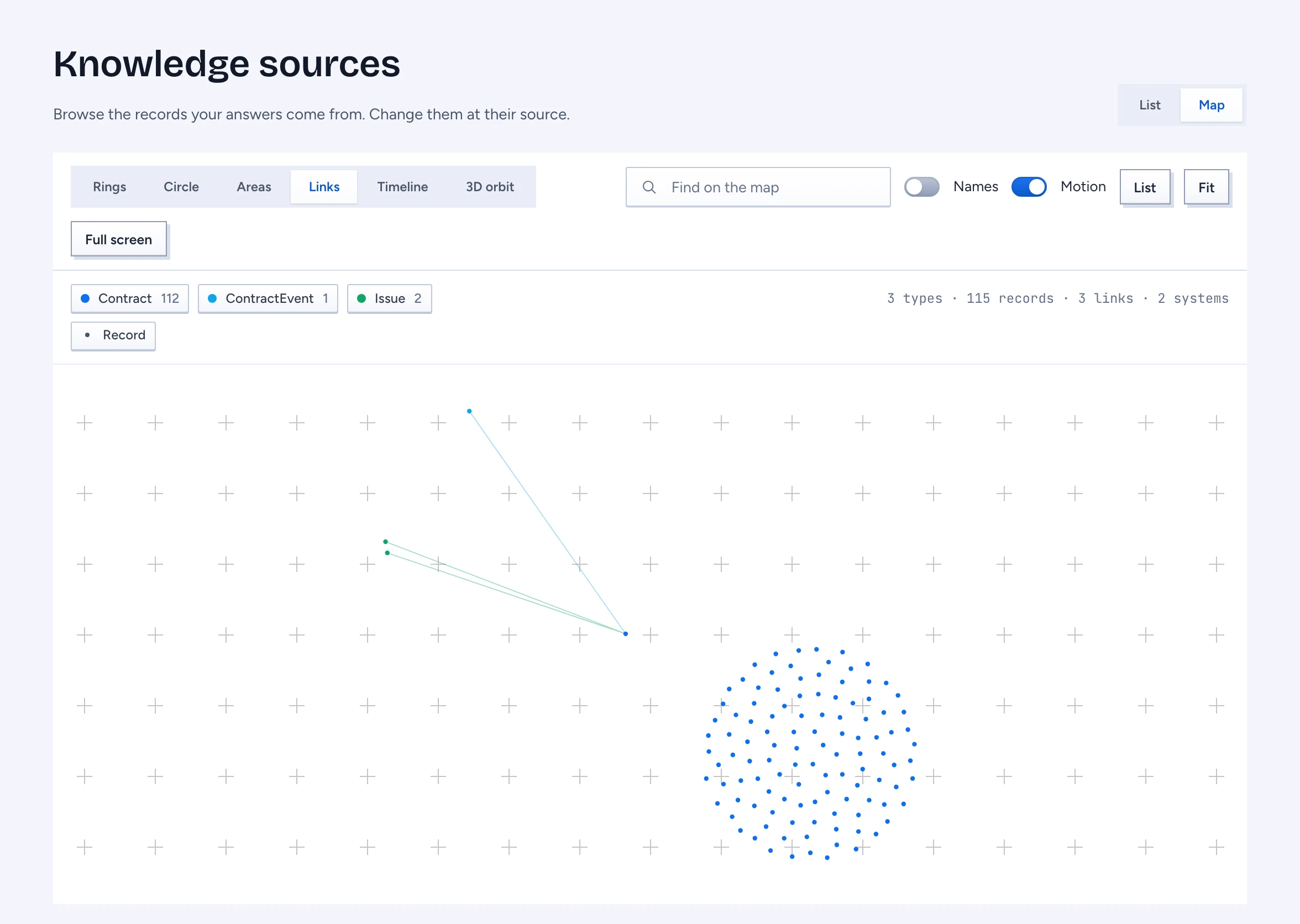
See the records as a map
Click Map at the top. The map draws the records you may read as dots, coloured by type and sized by how many links they have, and a line for each link between two of them (a contract and its supplier, an absence and the employee). Click a record to open it. The map draws only what you may read: a record you may not read is not drawn, nor a line to it, and the counts are of what is drawn.
When the list is empty or slow
- No organisation records yet: no source has synced a record you may read yet.
- These records are withheld from you with Request access: records exist, but your access does not cover them. Ask, and the owners decide.
- No record you may read matches your search: try other words.
- Still loading with Retry: the server is slow. Click Retry to read again.
- Records didn't load: nothing was changed. Click Retry.