Usage
Run it as gluon dev-token (in the repository, cargo run -p gluon-cli -- dev-token).
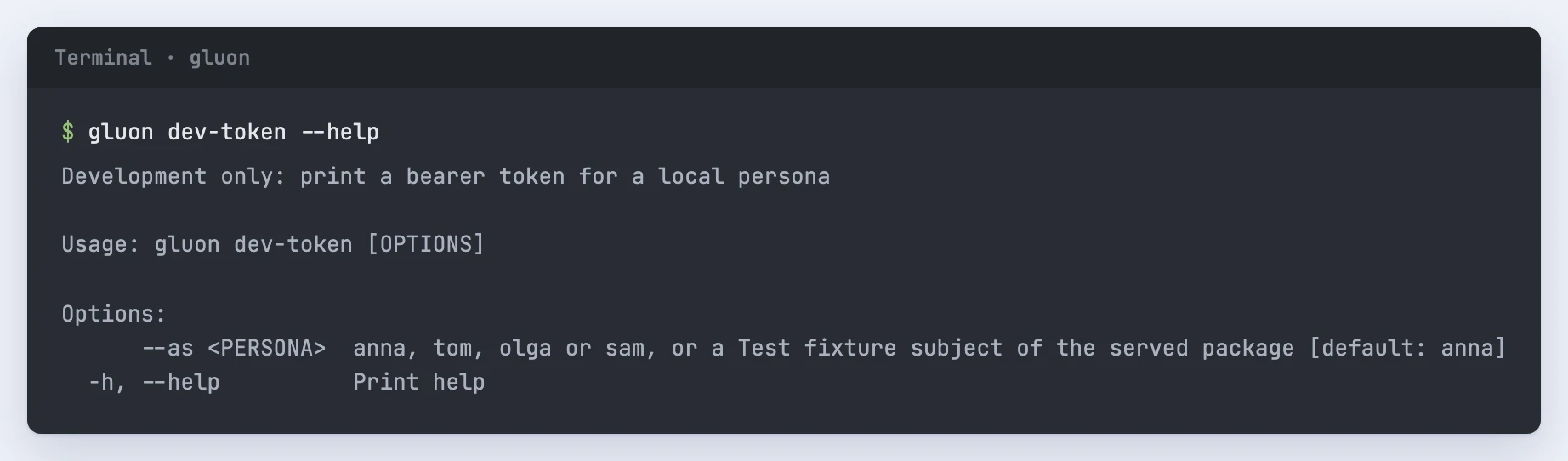
Development only: print a bearer token for a local persona

Usage: gluon dev-token [OPTIONS]

Options:
      --as <PERSONA>  anna, tom, olga or sam, or a Test fixture subject of the served package [default: anna]
  -h, --help          Print help
What it reads and writes
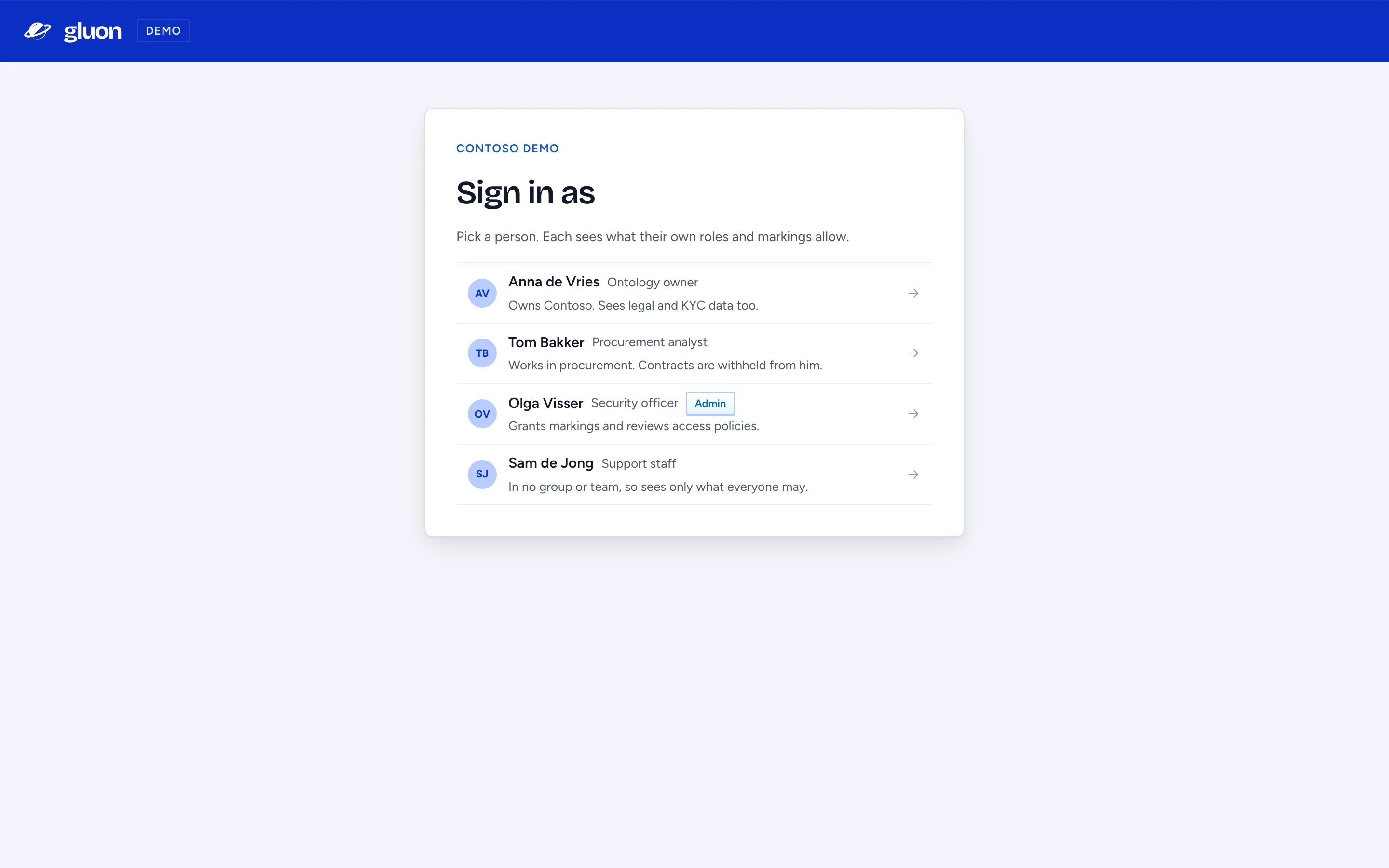
It prints an access token for anna (the default), tom, olga or sam, and creates all four personas in the database the first time. Any other name signs in as the Test fixture subject of that name in the package GLUON_PACKAGE_DIR points to, created with its principals, attributes and markings; a name that is neither is refused. The browser sign-in page (/api/auth/dev) lists the same people: the four for Contoso, otherwise the served package's Test fixture subjects by job title, with the ones who may open the admin console first and marked Admin. Over six people, a search box above the list filters it as you type; Enter signs in as the first match. It works only with GLUON_DEV_MODE=1 and GLUON_TENANT=dev, and refuses otherwise. For demos, the chat app's Sign in as page (/sign-in-as) shows the same people in the product's frame and signs in the same way; GLUON_DEV_SIGN_IN_URL points every app's Sign in to it (the demo stack sets it).
Before you run it
The token signs you in to your local server as that persona. Keep it out of screenshots, tickets and git.