Usage
Run it as gluon models planner (in the repository, cargo run -p gluon-cli -- models planner).
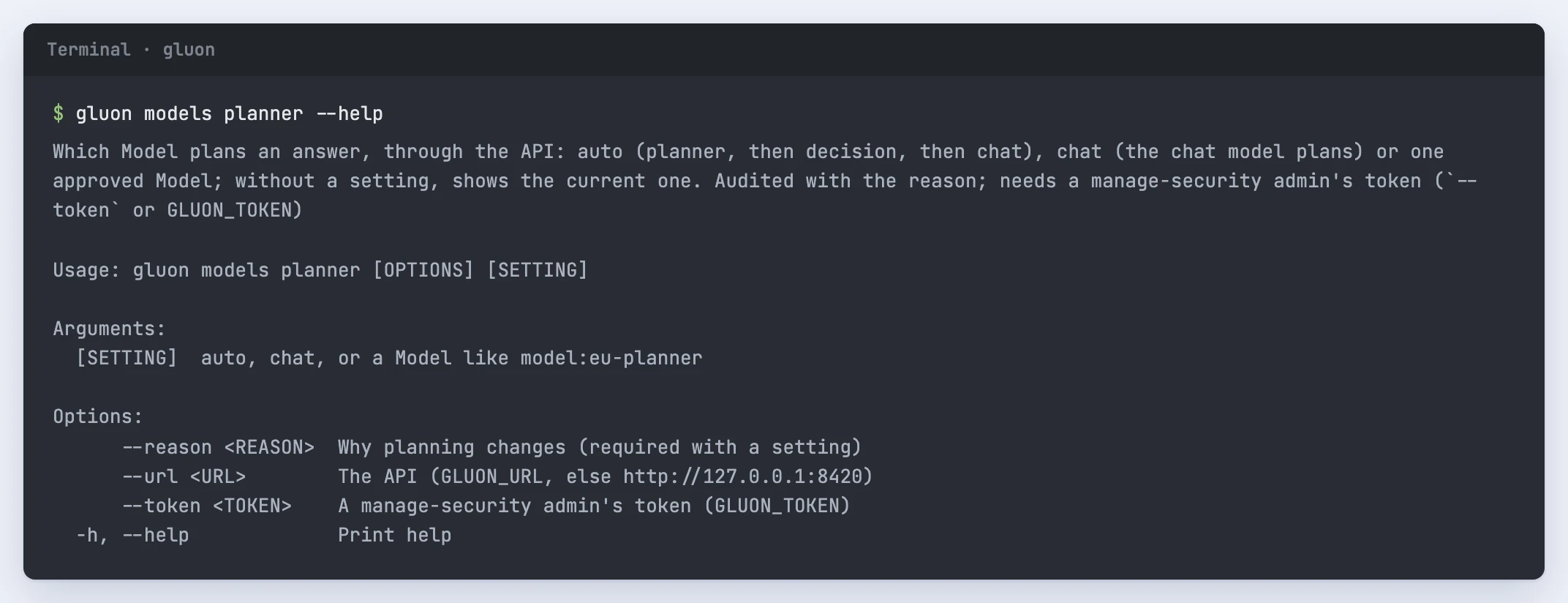
Which Model plans an answer, through the API: auto (planner, then decision, then chat), chat (the chat model plans) or one approved Model; without a setting, shows the current one. Audited with the reason; needs a manage-security admin's token (`--token` or GLUON_TOKEN)

Usage: gluon models planner [OPTIONS] [SETTING]

Arguments:
  [SETTING]  auto, chat, or a Model like model:eu-gpt-5-2026-08

Options:
      --reason <REASON>  Why planning changes (required with a setting)
      --url <URL>        The API (GLUON_URL, else http://127.0.0.1:8420)
      --token <TOKEN>    A manage-security admin's token (GLUON_TOKEN)
  -h, --help             Print help
What it reads and writes
Without a setting it calls GET /api/admin/platform/planning and prints the current mode (auto, chat or model), the Model and the candidates, the approved planner and chat Models. With auto, chat or a Model id and --reason it calls PUT /api/admin/platform/planning: auto removes the setting (an approved planner plans, else a decision Model, else the chat model), chat lets the chat model plan, and a Model id lets that Model plan, with the chat model taking over when it may not take a question. It uses the API given with --url (else GLUON_URL, default http://127.0.0.1:8420) and the token given with --token (else GLUON_TOKEN), as an admin with manage-security. The reason (1 to 1,000 characters) goes into the audit record admin.planning.set, and answers plan under the new setting within a minute, without a package import. When the server refuses, it prints the refusal: 403 without manage-security, 422 when the reason is empty or too long or the Model is no candidate.
Before you run it
Planning is for a demo or a cost choice: a small planner Model keeps the searches cheap, and the chat model plans when the planner is not trusted with a question's markings.